












NEW
Choose your country and the display and payment currency.
Delivery in under 24 hours. Your key and activation guide arrive by e-mail after payment.
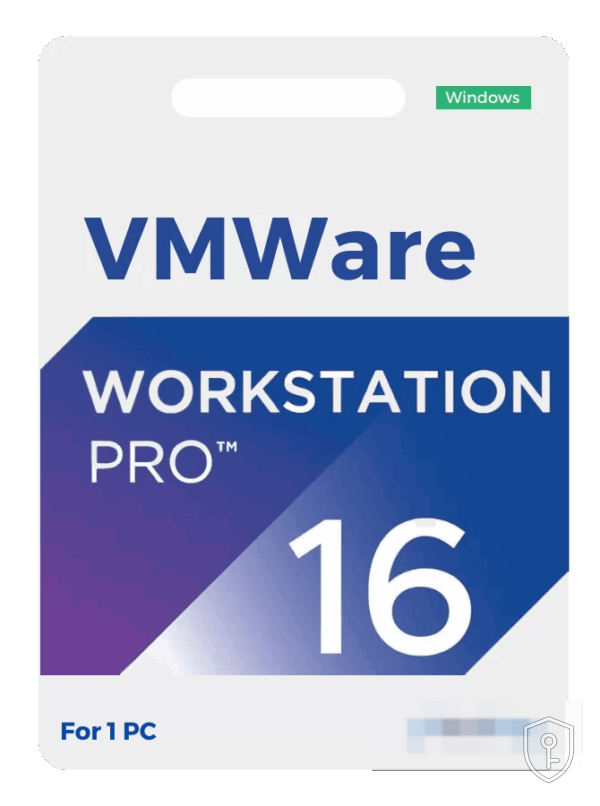
VMware Workstation Pro 16 lets you run several operating systems in parallel on the same Windows or Linux computer, in the form of virtual machines. It is the reference tool for developers, system administrators, trainers and testers: you set up a complete laboratory — client, server, firewall — on a single workstation, without touching the host system.
Version 16 is perfectly suitable if your guest systems are Windows 10, Linux or earlier versions of Windows. On the other hand, support for Windows 11 as a guest system is limited: the virtual trusted platform module (vTPM) is present but less mature. If you need to virtualise Windows 11, version 17 — with DirectX 12 and a full vTPM — is the recommended choice.
The key arrives by email within 24 hours at most. Download VMware Workstation Pro 16 from the publisher's website, install it, then enter the licence key at first launch or via Help › Enter a licence key.
An x86-64 processor from 2011 or newer with hardware virtualisation (Intel VT-x or AMD-V) enabled in the BIOS, 4 GB of RAM minimum (8 GB and more recommended), 1.2 GB for the application plus the space for the virtual machines. A 64-bit Windows 10/11 host or a recent 64-bit Linux distribution.
Odin Key is operated by CHKEY OÜ, an Estonian company. Official invoice, support by e-mail. Key sent by email within 24h after payment.
No reviews yet — be the first to review this product.
More keys in the same category.



To chat with us we load the tawk.to chat service. It sets cookies and processes your messages and technical data on tawk.to servers. Nothing is loaded until you agree.
Reviews
There are no reviews yet.